
What is Focusmo?
A macOS focus timer that blocks distractions, tracks your time, and helps you finish what matters.
Focusmo is a focus timer and task manager for macOS, built for people whose attention is their most valuable (and most fragile) resource — developers, writers, students, anyone doing deep work.
The loop is simple:
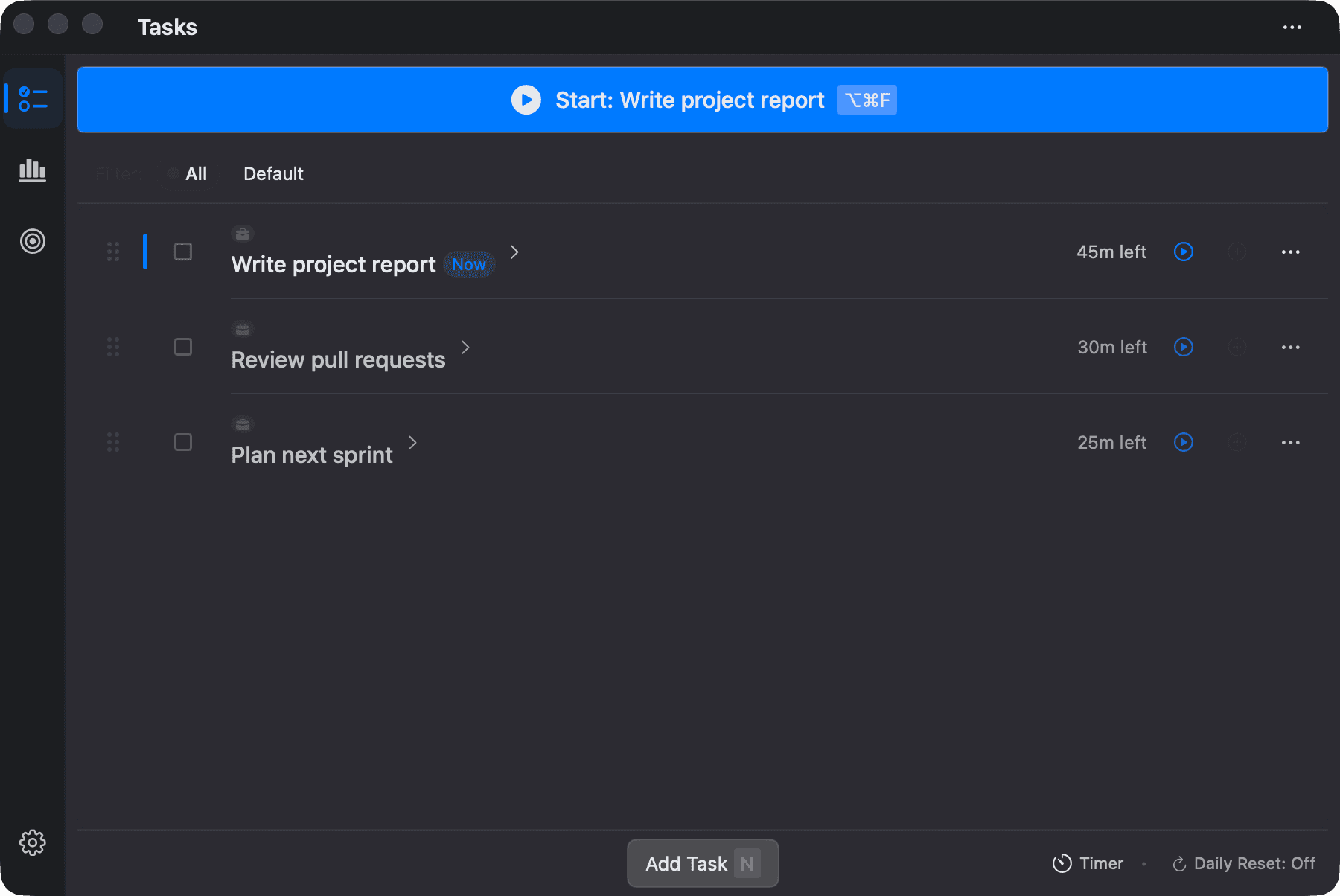
- Pick a task — type it in, or bring it over from Things, Reminders, Todoist and other task managers (free on every plan). The Up next card on the Focus screen always shows what starts next.
- Start a block — countdown timer, stopwatch, or full Pomodoro rounds.
- Focusmo protects you — distracting apps get closed, distracting websites get redirected, macOS Do Not Disturb turns on.
- See what happened — Insights shows today's focus, your streak, and an activity timeline of where your time really went; the day wrap and weekly recap sum it up.
Explore the docs
Getting Started
Install Focusmo, grant permissions, run your first session.
Focus Sessions
Timer modes, Pomodoro, Deep Focus, Zen Mode, the floating timer.
Projects & Blocking
Block apps and websites, auto-launch your working set, control DND.
Insights & Activity
Today's focus, the activity timeline, day and week recaps, goals, streaks, badges, records.
Privacy & Your Data
Everything stays on your Mac. Here's exactly what that means.
Requirements at a glance
- macOS 14 (Sonoma) or later
- Free to use, with a Pro tier for power features
- Download at focusmo.app