
Free vs Pro
What's free forever, what Pro unlocks, and how licensing works.
Focusmo's core focus experience is deliberately unlimited for everyone: unlimited timer durations, unlimited tasks, overtime, +5-minute extensions, Pomodoro, the command palette, and every task-manager integration — no artificial caps on actually focusing. Pro unlocks the power layer around it.
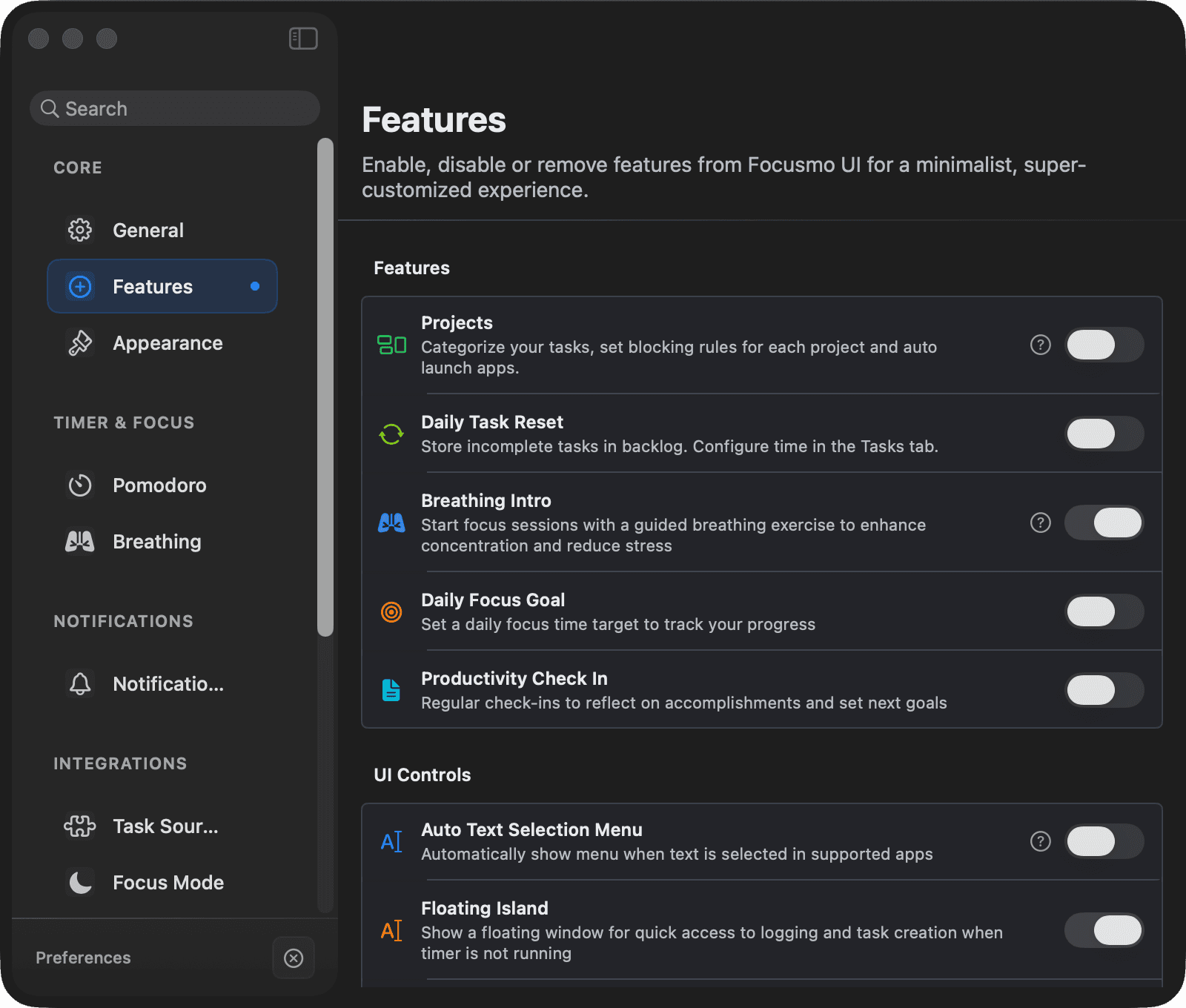
Comparison
| Capability | Free | Pro |
|---|---|---|
| Focus timer, stopwatch, tasks, command palette, overtime, +5 min | ✅ Unlimited | ✅ Unlimited |
| Floating timer and the menu-bar timer | ✅ | ✅ |
| Notch and digital timer styles | ❌ | ✅ |
| Pomodoro | ✅ Standard lengths | ✅ + custom lengths and early breaks |
| Task managers — Things, Apple Reminders, Todoist, TickTick, Microsoft To Do, Google Tasks, Obsidian | ✅ | ✅ |
| Check-ins | ✅ | ✅ |
| Day wrap & weekly recap | ✅ | ✅ |
| Shortcuts & Siri actions | ✅ | ✅ |
| Music sync (Spotify, Apple Music) | ✅ Pause & resume | ✅ + auto-start & per-project playlists |
| Insights history | Last 3 days | Unlimited |
| Activity timeline | Today | Past days, with filters, breakdowns & categories |
| Projects (blocking profiles) | 1 default project | Unlimited, full management + templates |
| Daily task reset | ❌ | ✅ |
| Calendar integration & planning timeline, meeting notifications, menu-bar calendar events | ❌ | ✅ |
| Do Not Disturb (Focus Mode) | ❌ | ✅ |
| Notification styles | Edges style only | All styles |
| Themes and timer looks (digital countdown, custom timer colors) | ❌ | ✅ |
| Daily reminders | ❌ | ✅ |
| Claude AI / MCP server | ❌ | ✅ |
| Opt out of anonymous product analytics | ❌ | ✅ |
| Upgrade prompts | Occasional | None |
| Support | Standard | Priority |
Pricing lives at focusmo.app/pricing.
The 7-day trial
A 7-day Pro trial starts automatically when you install Focusmo (one per device) — no card, no form. You experience the full app before deciding. While it runs, the menu bar menu shows how many days are left, and your status is in Settings → Account.
Activating a license
After purchasing, activate in Settings → Account → License either way:
- Sign in with Google — use the email you purchased with; the license attaches automatically.
- Enter License Key — paste the key and your purchase email manually.
The License section then shows your plan, masked key, email, and device count. Use Manage Devices (also in the About section and the menu bar menu) to free up seats.
Signing out
Sign Out clears your Google session and deactivates the license on this Mac. Your data stays — it's stored locally, not in your account.