
Productivity Check-Ins
A recurring "what did you get done, what's next?" prompt that keeps you honest.
Productivity Check In is a recurring pop-up that asks two questions — what did you just accomplish and what will you do next — so you reflect and re-commit at a steady cadence. Answers are saved as a private log inside Focusmo.
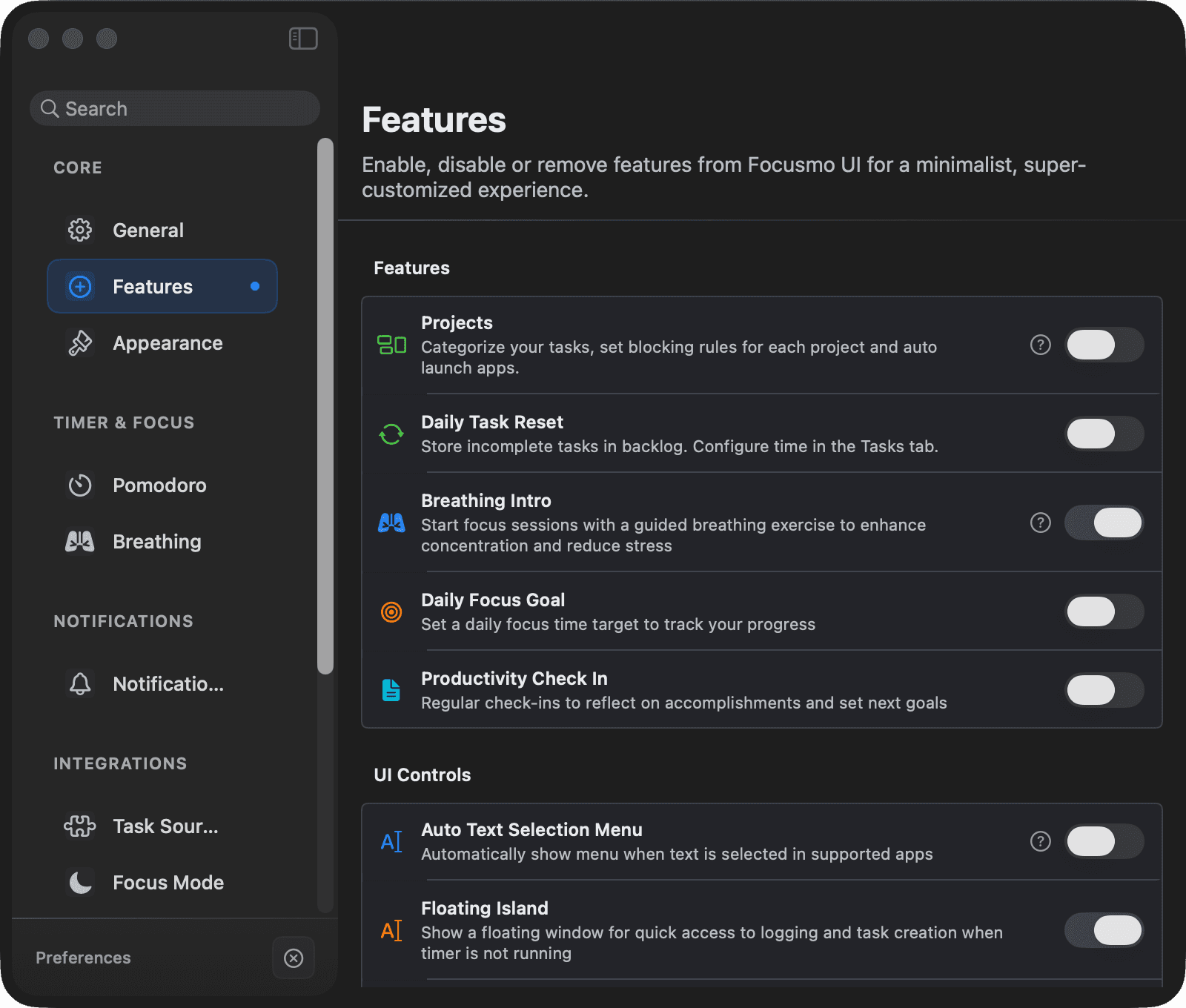
Enabling
- During onboarding, flip the Check-ins switch in the Bring your tasks step, or
- open Settings → Timer → Check-ins and turn on Productivity Check In — its options appear once it's on.
The prompt
At each interval a "Productivity Check-in" notification appears with:
- "You planned: …" — the goal you set last time, for context.
- Two fields: what you accomplished, and your next goal.
- Save & Start Timer (⌘↩) — saves the log and starts a 25-minute timer on your next goal (if a timer is already running, it renames it instead).
- Snooze (pick minutes), Cancel, or Disable the feature entirely.
You can also trigger a check-in on demand: the Test Prompt button in settings, the global shortcut ⌘⌃L (Create New Log), Add Log Entry in the menu bar menu, or the Add Log button on the Floating Island.
Settings
| Setting | Options | Default |
|---|---|---|
| Prompt interval | 15 min / 30 min / 1 h / 2 h | 30 min |
| Daily limit | 1 / 3 / 5 prompts / Unlimited | 3 prompts |
| Auto-dismiss | Never / 8 s / 30 s / 1 min / 2 min / 5 min | 8 s |
| Display mode | Focus sessions only / Work hours / All day | Focus sessions only |
| Work hours (for that mode) | Start / end hour | 9:00–17:00 |
| Replace Title with Last Log | Show your latest goal as the timer title instead of the task name | On |
Where your logs live
Log entries are stored locally in Focusmo's database — nothing is written to Apple Calendar or sent anywhere. They appear as log blocks on the activity timeline in Insights, and your most recent goal can show on the Floating Island and timer title.