
Integrations Overview
Focusmo works with the task manager you already use — Things 3, Reminders, TickTick, Todoist, and more.
Focusmo doesn't want to replace your task manager — it wants to run timers on it. Task Sources sync tasks from external apps into your Focusmo list, and completions sync back.
Every task source is free on every plan. You can connect Things, Reminders, Todoist or TickTick in one click during onboarding; all of them live in Settings → Integrations → Task Sources.
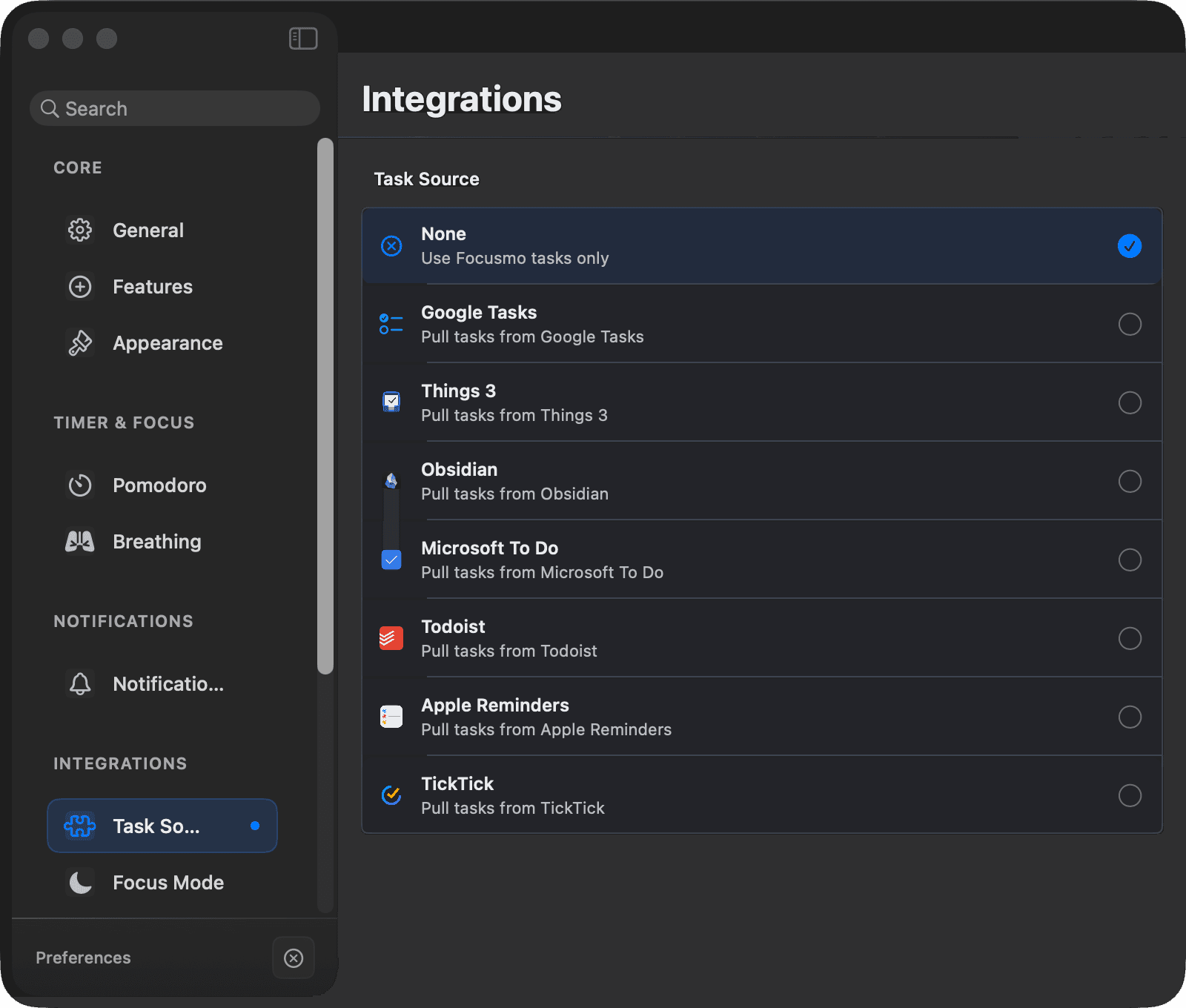
Supported sources
| Source | Connection | Sync |
|---|---|---|
| Things 3 | Local (Automation permission, no login) | Two-way |
| Apple Reminders | Reminders permission + list picker | Two-way |
| TickTick | Sign in with OAuth | Two-way¹ |
| Todoist | Sign in with OAuth | Two-way |
| Godspeed | API token | Two-way |
| Google Tasks | Sign in with OAuth | Two-way |
| Microsoft To Do | Sign in with OAuth | Two-way |
| Obsidian | Vault file sync | Two-way, writes focus time back to your vault |
¹ TickTick can't be un-completed from Focusmo — its API has no reopen endpoint.
Other integrations:
- Music Sync — pause and resume Spotify or Apple Music automatically, in step with your sessions. Basic pause/resume is free.
- Claude AI — gives Claude read access to your focus data and lets it create tasks. Pro.
- Shortcuts & Siri — start, pause, resume and end sessions, complete the current task, or add a task from the Shortcuts app, Spotlight, or Siri.
- Calendar — your Apple Calendar events next to your plan. Pro.
How syncing works
Connect sources in Settings → Integrations → Task Sources. Once connected:
- Source tasks appear in your daily list as regular tasks (default 25-minute timer), with a source icon, project/area, up to 3 tags, a recurring indicator, and a color-coded due date.
- Titles are read-only — they update from the source on every sync, so nothing you type gets overwritten. Duration and timer mode remain yours to change.
- Hover a task for an "Open in [Source]" button.
- Tasks removed at the source disappear from Focusmo (unless already completed).
Two global behaviors:
| Setting | Options |
|---|---|
| Pull behavior | Manual (sync button) or automatically at session start |
| Complete behavior | Never sync back / Ask each time (default) / Auto-complete |
Offline resilience
If completing a task at the source fails — you're offline, the app isn't running, an API rate limit hits — Focusmo queues the completion and retries with backoff, persisting the queue across restarts. Completions are never lost.