
Integrations
Connecting Task Sources
Setup details for each supported task manager.
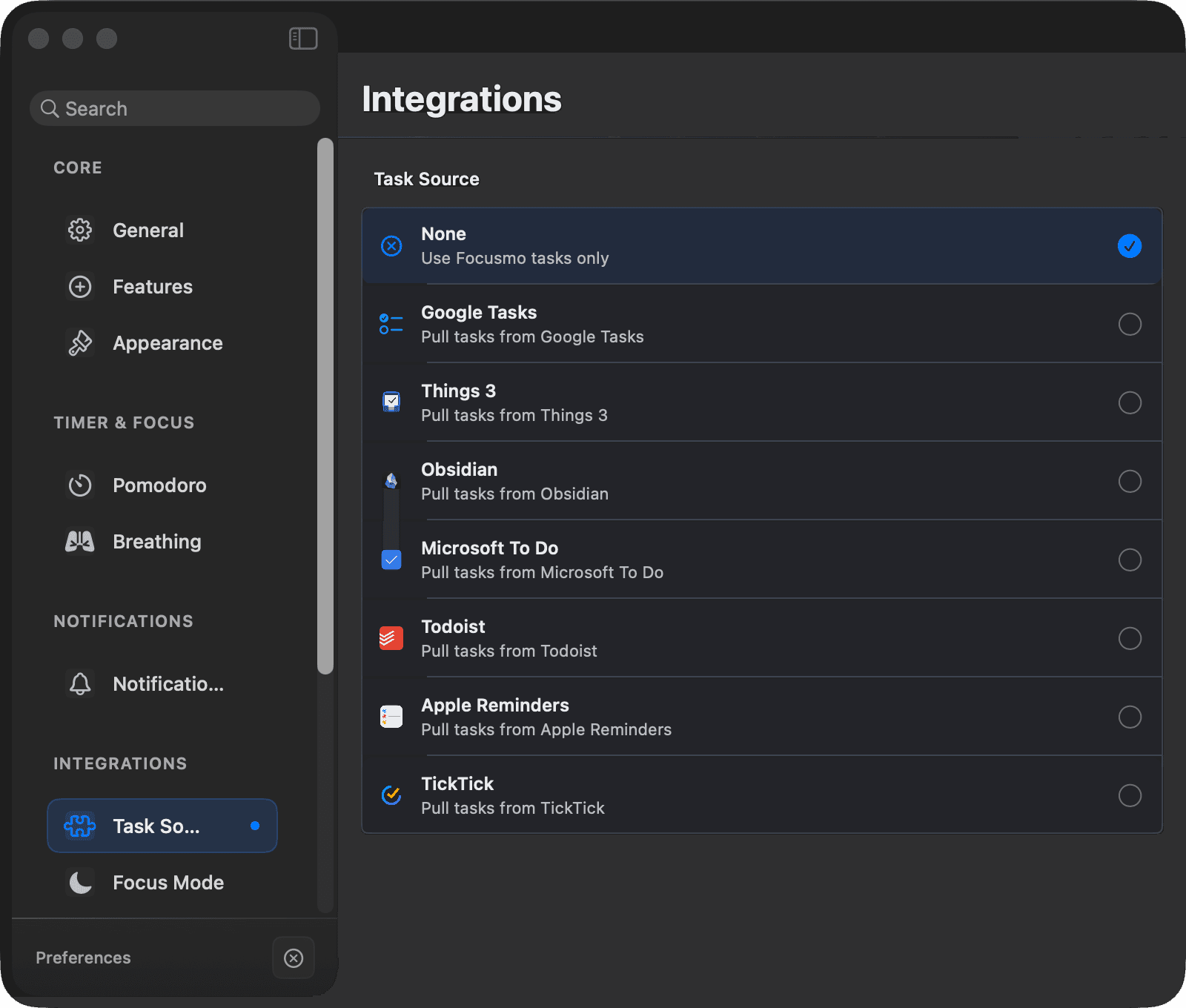
Each source is connected from Settings → Integrations → Task Sources — free on every plan. Things, Apple Reminders, and Todoist or TickTick can also be connected in one click during onboarding. Here's what each one needs and offers.
Things 3
- Connect: Things 3 just needs to be installed and running; grant the macOS Automation permission when prompted. No login.
- Options: choose the source list (Today or a custom list), filter by tag, area, or project.
- Extra: optionally tag completed tasks in Things with time spent (e.g. "🍅 25min").
- Un-complete support: yes — unchecking in Focusmo moves the task back out of the Things Logbook.
Apple Reminders
- Connect: grant Reminders access when macOS asks, then pick which Reminders list to sync.
- Un-complete support: yes.
TickTick
- Connect: click Connect to TickTick — an OAuth sign-in opens in your browser.
- Notes: the task's TickTick project shows as a badge. Completing syncs to TickTick, but un-completing doesn't sync back (TickTick's API has no reopen endpoint).
Todoist
- Connect: OAuth sign-in in your browser.
- Options: filter by due date (Today / All), project, and labels.
Godspeed
- Connect: paste your Godspeed API token.
- Options: pick a list (required) and optionally filter by label. Task durations from Godspeed pre-fill the timer.
Google Tasks / Microsoft To Do
- Connect: OAuth sign-in. Google Tasks supports multiple lists.
Obsidian
- Connect: point Focusmo at your vault. Tasks sync from your notes, and Focusmo writes focus time back into the vault.
Remember the shared rules from the overview: titles are read-only, completions sync according to your Complete Behavior setting, and failed syncs are retried automatically.