
Automatic Do Not Disturb for Mac Focus Sessions
Zero notification interruptions during deep work
Start a focus session and Focusmo automatically enables macOS Do Not Disturb mode. When your session ends, notifications seamlessly return. No manual toggling, no interruptions, just unbroken concentration.

Focusmo is my go-to tool for staying focused ;). When I need to dive into deep work like research, brainstorming, or creative tasks, I start by making a simple commitment to myself: 'I'll dedicate an hour to this.

Smart Automation
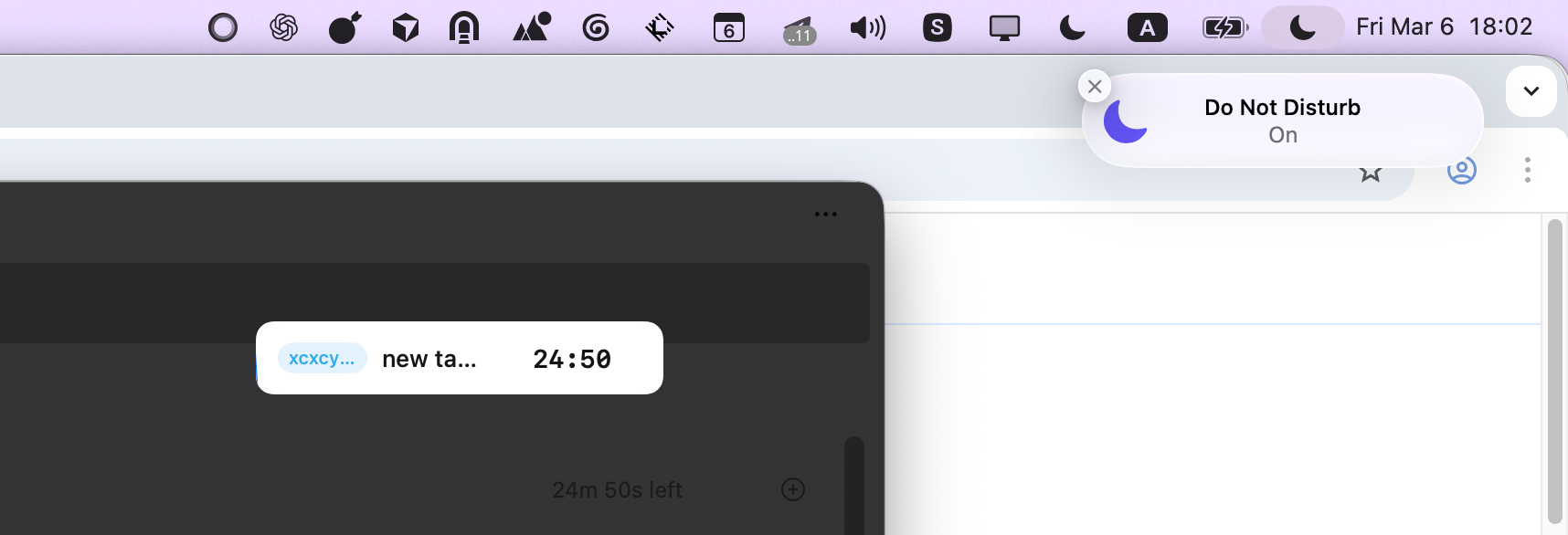
Instant Do Not Disturb Activation
The moment you start a focus session, Focusmo automatically enables Do Not Disturb mode on your Mac. No need to remember to silence notifications or manually toggle settings—it happens instantly and automatically.
Your focus sessions become true distraction-free zones where Slack messages, email notifications, and app alerts can't break your concentration. Let Focusmo handle the notification management while you handle the work.
Deep Work
Zero-Distraction Focus Environment
Research shows it takes an average of 23 minutes to regain focus after an interruption. With Focusmo's automatic Do Not Disturb integration, you eliminate those costly context switches entirely.
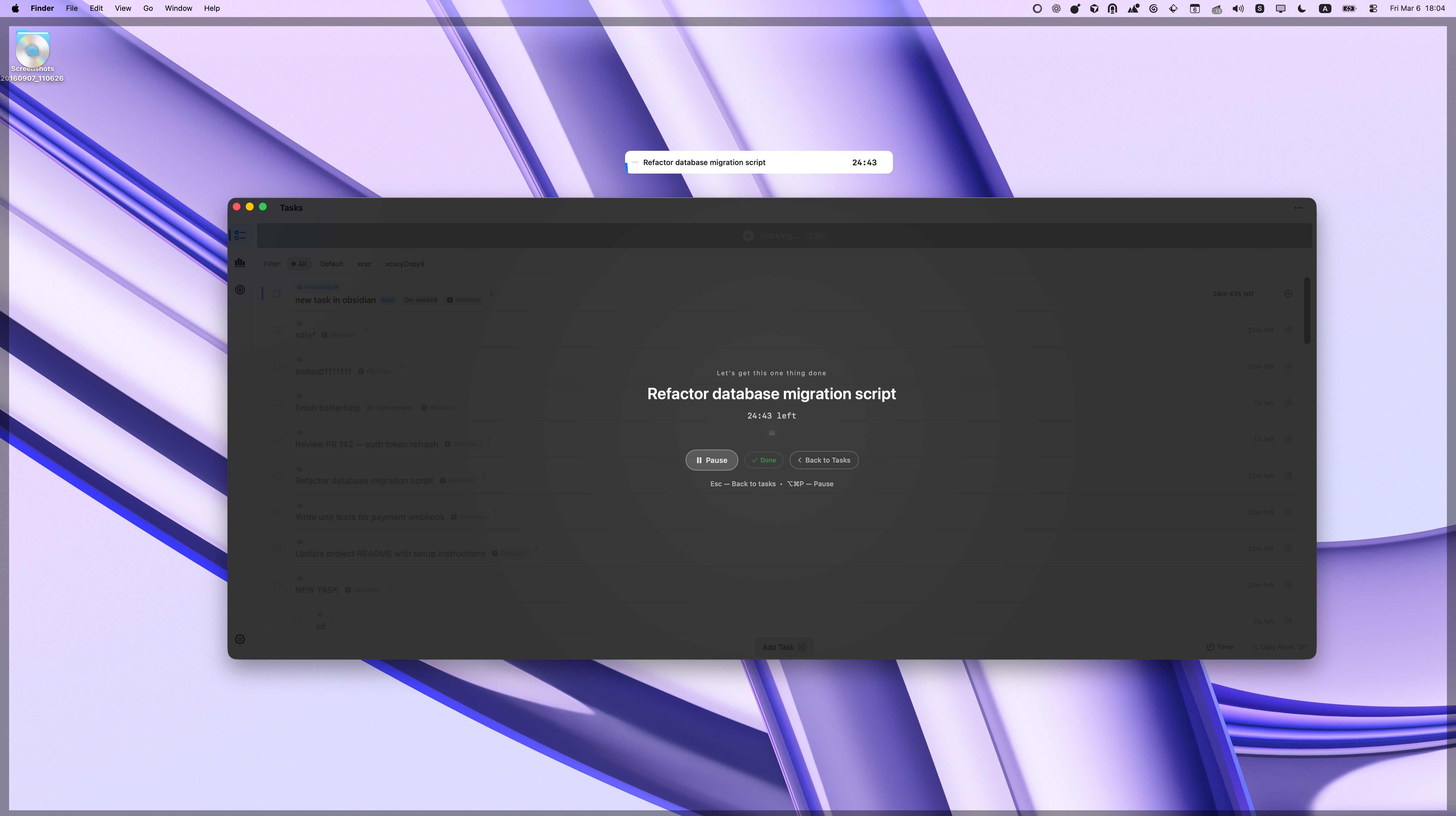
Your Mac becomes a distraction-free workspace where notifications can't pull your attention away. No banners, no sounds, no interruptions—just you and your most important work. When you need to focus, everything else can wait.
Seamless Experience
Automatic Restoration After Sessions
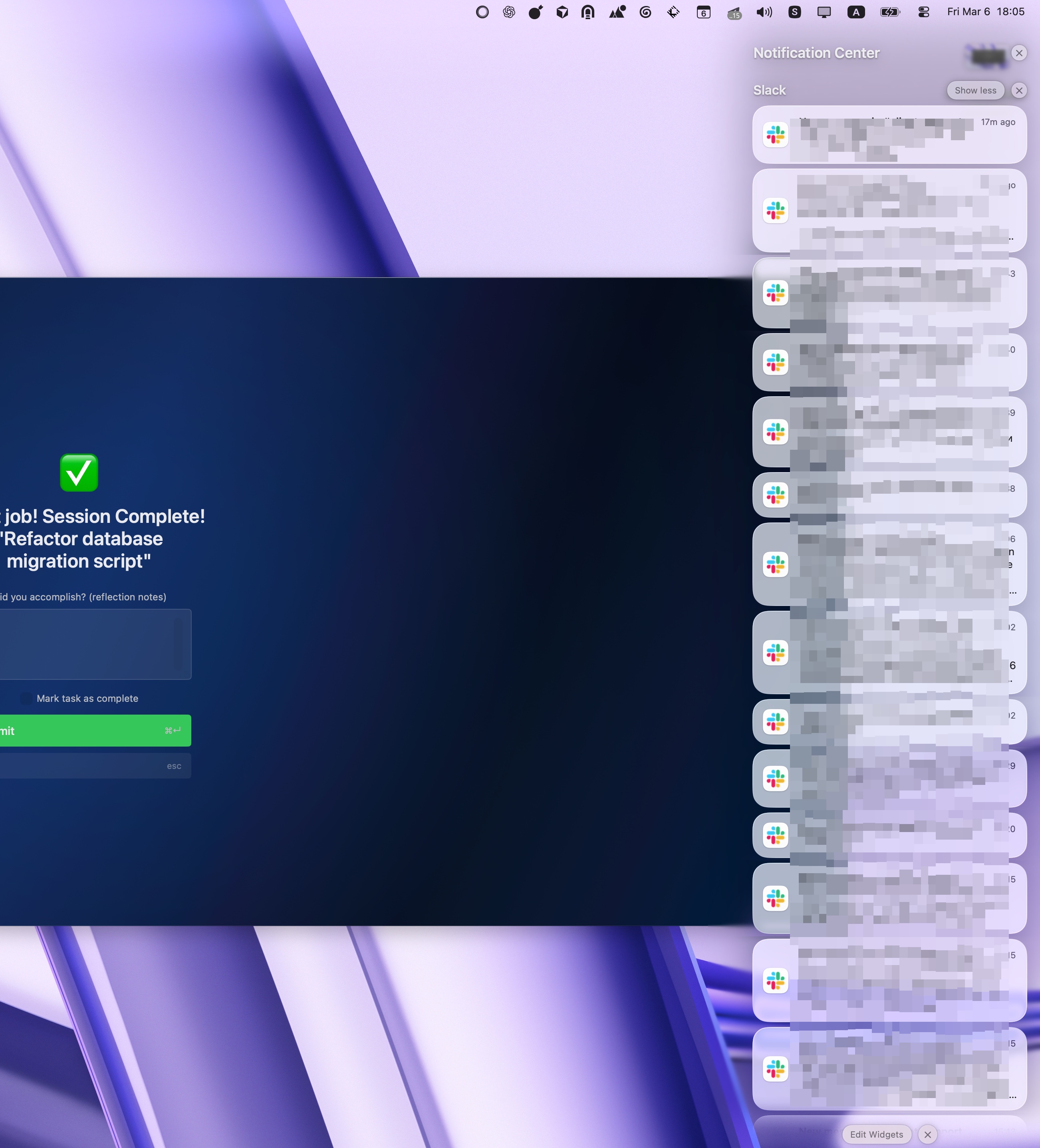
When your focus session ends, Focusmo automatically disables Do Not Disturb mode, restoring your normal notification settings. You don't have to remember to turn it back on—it just works.
This seamless transition means you can check important messages and notifications that came in during your focus time, then easily start another distraction-free session whenever you're ready. Perfect balance between focused work and staying connected.
I've been using Focusmo everyday now. The blue waves in banner really helps me visualize time especially when I am time blind, really helps the ADHD.
Complete Focus System
Works Seamlessly With Your Workflow
Do Not Disturb integration is just one part of Focusmo's comprehensive productivity system. Combine automatic notification silencing with powerful features that help you structure your workday and maintain focus across all your tasks.
Workspaces
Pomodoro Timer
Floating Timer
What people say
Reviews from people who run their workday in Focusmo.
Keeps the day's plan in one place
Keeps the current task in view
Shows where the hours went
The blue waves in banner really helps me visualize time especially when I am time blind, really helps the ADHD brain.
Aiden Thompson
Software Engineer
It's just handy to have an accountability buddy to remind me: just do one thing, finish this one thing.

Faye Campbell
motionapp.com
Focusmo has allowed me to organize tasks and manage my time more effectively while also keeping health and mental breaks in mind.

Will K
Web Engineer/Architect
Questions
Short answers. For anything else, write to us.
Plan. Focus. See where your day went.
Free on macOS 14 or later. Pro from $4.99 a month.
Not a Mac user?
Focusmo is a Mac app for now.
Leave your email and we will write when Windows is ready.