
Focus sessions history
in your calendar
Focusmo automatically logs your focus sessions to Apple Calendar, creating a rich record of your productive time without any manual tracking.

Focusmo is my go-to tool for staying focused ;). When I need to dive into deep work like research, brainstorming, or creative tasks, I start by making a simple commitment to myself: 'I'll dedicate an hour to this.

Automatic Documentation
See your focus history right in Apple Calendar
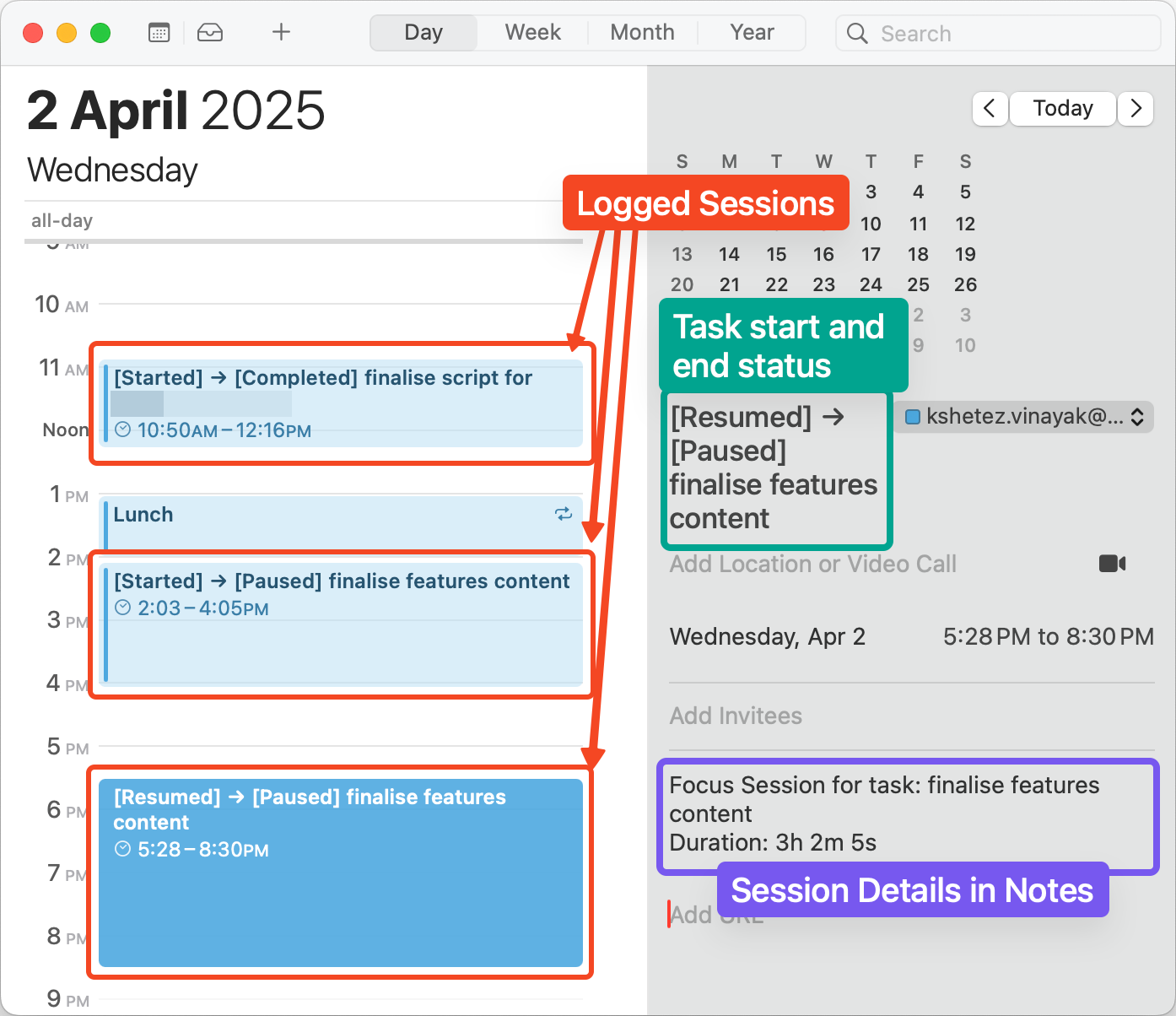
Stop wondering where your time went. Focusmo automatically logs every focus session directly to your Apple Calendar, creating a beautiful visual record of your productive hours without any manual tracking.
Each focus block appears as a calendar event with detailed information about what you worked on, how long you focused, and which apps you used—giving you a comprehensive, glanceable history of your productivity that lives right where you already plan your time.
Friction-Free Tracking
Zero effort time tracking that actually works
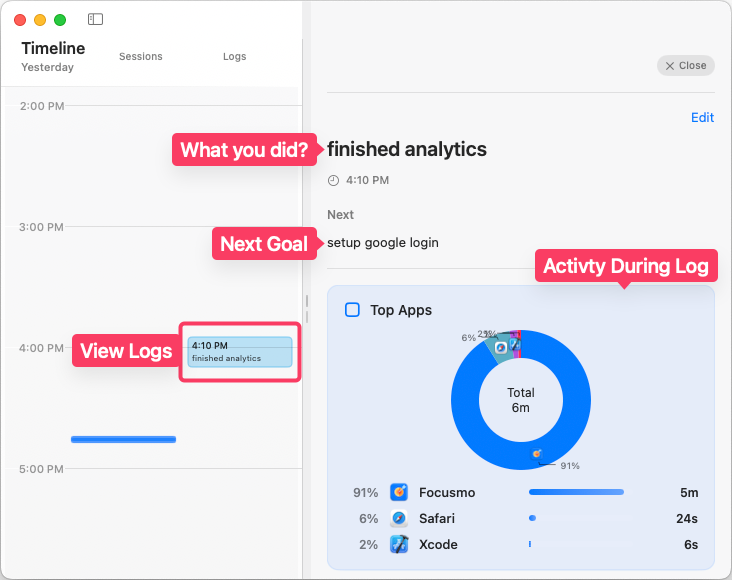
Traditional time tracking fails because it requires constant manual input. Focusmo eliminates this friction by automatically recording your sessions in the background while you work, ensuring your productivity data is always accurate and complete.
Whether you're coding for hours, writing in short bursts, or jumping between different projects, every focused minute is captured without you having to remember to start or stop timers—creating the effortless time tracking system you've always wanted.
Visual Productivity Insights
Turn your calendar into a productivity dashboard
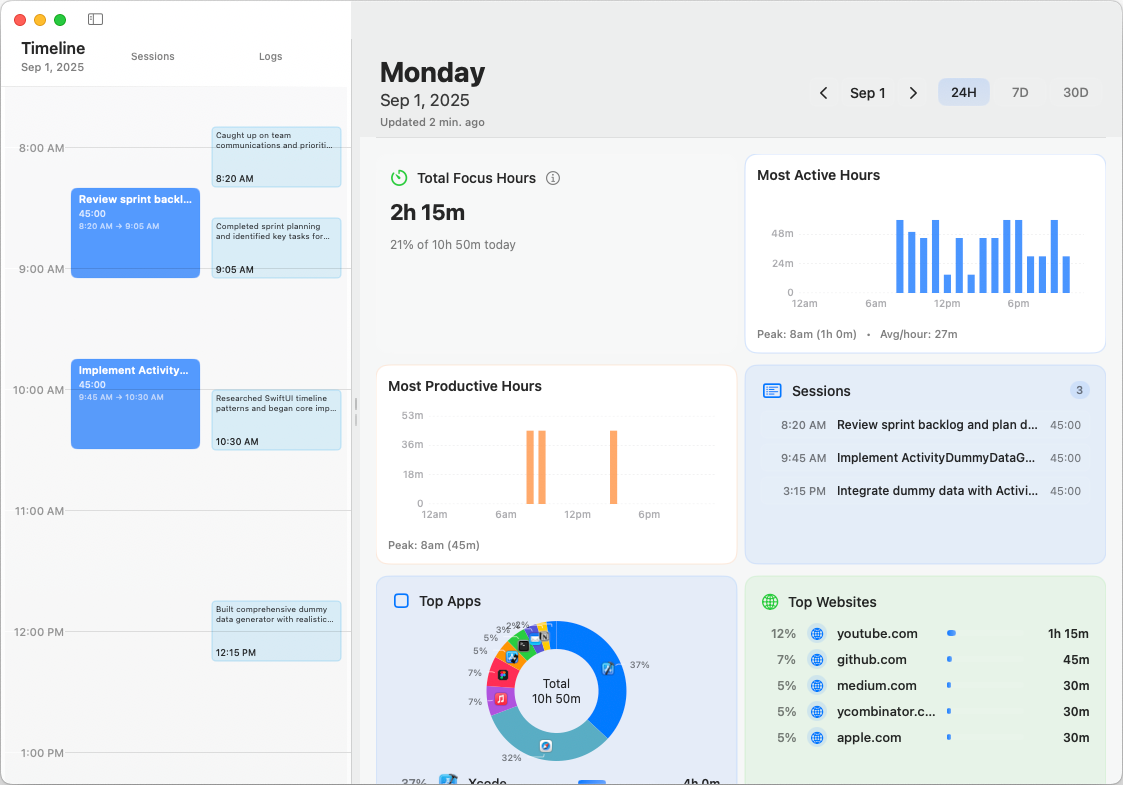
Your calendar transforms from a simple scheduling tool into a powerful productivity dashboard. Scroll back to any day, week, or month and instantly see when you were most focused, what you accomplished, and how your productive time aligned with your other commitments.
This visual approach to time tracking makes it easy to identify patterns—like when you tend to have your most productive hours or how meetings impact your focus time—helping you make smarter decisions about how you schedule your days.
Coming Soon
Complete control and customization
Choose exactly how your focus sessions appear in your calendar with customizable colors, visibility settings, and naming conventions. Create a dedicated focus calendar or integrate sessions with your existing calendar structure, whatever works best for your workflow.
Concerned about privacy or calendar clutter? Adjust what information gets recorded, or set minimum session durations for logging, ensuring your calendar remains a helpful tool rather than an overwhelming record.
Focusmo is my go-to tool for staying focused ;). When I need to dive into deep work like research, brainstorming, or creative tasks, I start by making a simple commitment to myself: 'I'll dedicate an hour to this.

Enhanced Productivity Ecosystem
Seamlessly Integrated
With Your Workflow
Calendar integration doesn't exist in isolation, it's part of Focusmo's complete productivity ecosystem, working together with our other features to enhance how you track, understand, and improve your focus.
Pomodoro Integration
Track Pomodoro sessions in your calendar
When combined with our Pomodoro Timer, each work session and break is automatically logged to your calendar with distinct colors and descriptions. This creates a visual record of your focus patterns and helps you optimize your work/break cycle based on real data.
Meeting Awareness
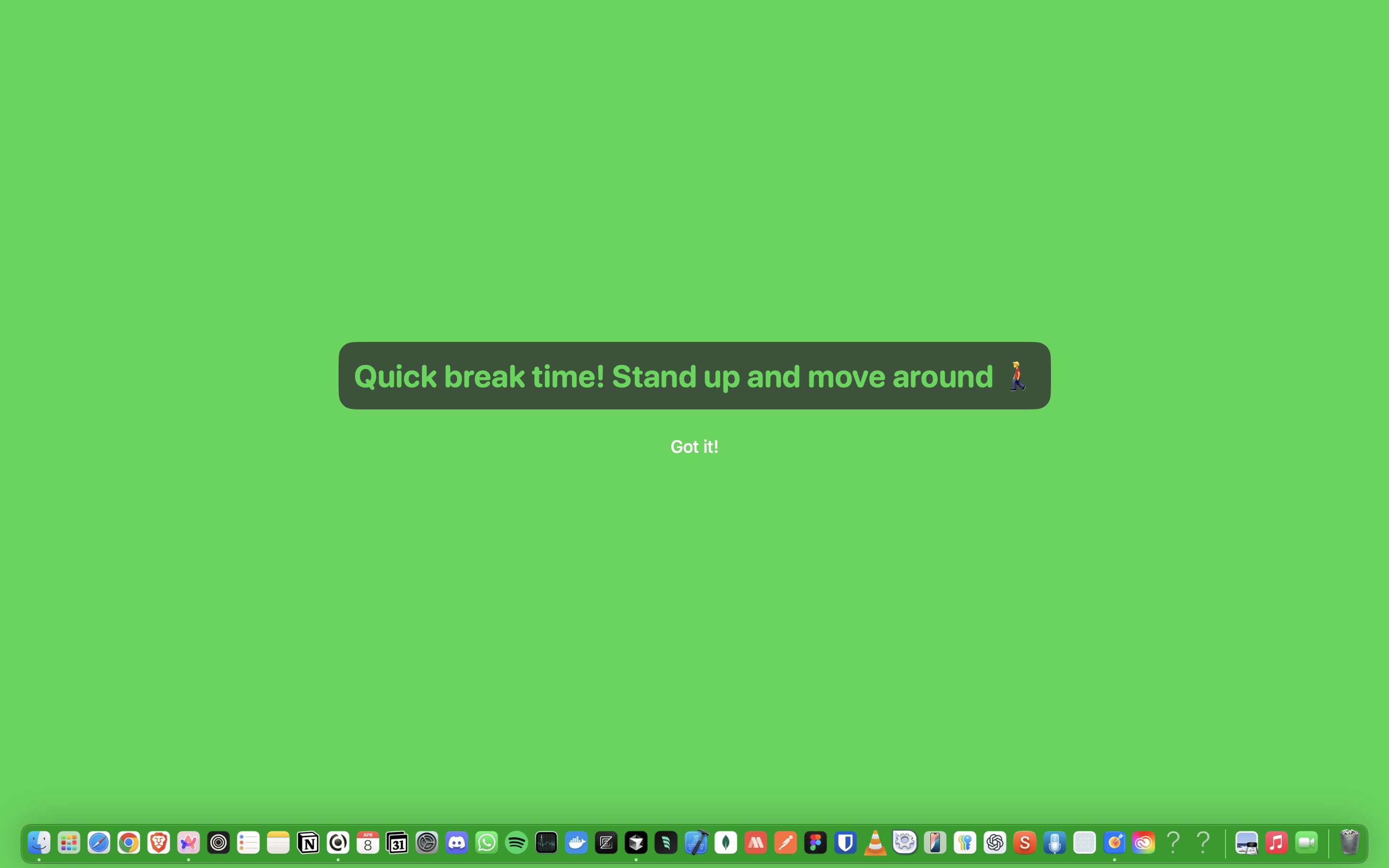
Never miss meetings with unmissable alerts
Our Meeting Notifications feature works with your calendar to ensure you never miss important meetings, even during deep focus. You'll receive attention-grabbing at just the right moment before each meeting, helping you smoothly transition from focused work to collaboration.
Data-Driven Insights
Analyze your productivity patterns with Focus Analytics
Calendar tracking data feeds directly into our powerful analytics system, giving you detailed insights into your focus patterns. Understand when you're most productive, how you spend your time, and identify opportunities to optimize your schedule for better results.
What people say
Reviews from people who run their workday in Focusmo.
Keeps the day's plan in one place
Keeps the current task in view
Shows where the hours went
Focusmo is my go-to tool for staying focused ;-). When I need to dive into deep work like research, brainstorming, or creative tasks, I start by making a simple commitment to myself: 'I'll dedicate an hour to this.'
Frank Mattes
Thought Leader and Author
I've been impressed by the efficient work and focus features provided by Focusmo. After using it, I've felt the great help it has provided in improving work efficiency and managing time. It's made such a difference in my daily productivity.

D Migoo
As an avid app user who has explored thousands of applications, I often download multiple apps within a category to thoroughly test and identify the best options. Among all the focus-oriented apps I’ve tried, this one stands out as my favorite. The developer is highly responsive, actively engaging with users and implementing several suggestions to enhance the app’s functionality. This is an essential tool for anyone aiming to boost their productivity.

Garratt Grenier
Senior Area Manager Construction Products
I've been using Focusmo everyday now. The blue waves in banner really helps me visualize time especially when I am time blind, really helps the ADHD brain. I have it always visible so I get reminded constantly of my current task.
Aiden Thompson
Software Engineer
Questions
Short answers. For anything else, write to us.
Plan. Focus. See where your day went.
Free on macOS 14 or later. Pro from $4.99 a month.
Not a Mac user?
Focusmo is a Mac app for now.
Leave your email and we will write when Windows is ready.