
Daily Goals & Streaks
Set a daily focus target, build a streak, and protect it with freezes.
Daily focus goal
Set a daily target in Settings → Timer → Daily Focus Goal: turn on Enable Daily Goal and choose your Target Hours (default 2 hours).
Your progress shows in the floating timer's expandable progress view, and the day wrap fills its focus ring against the goal at the end of the day.
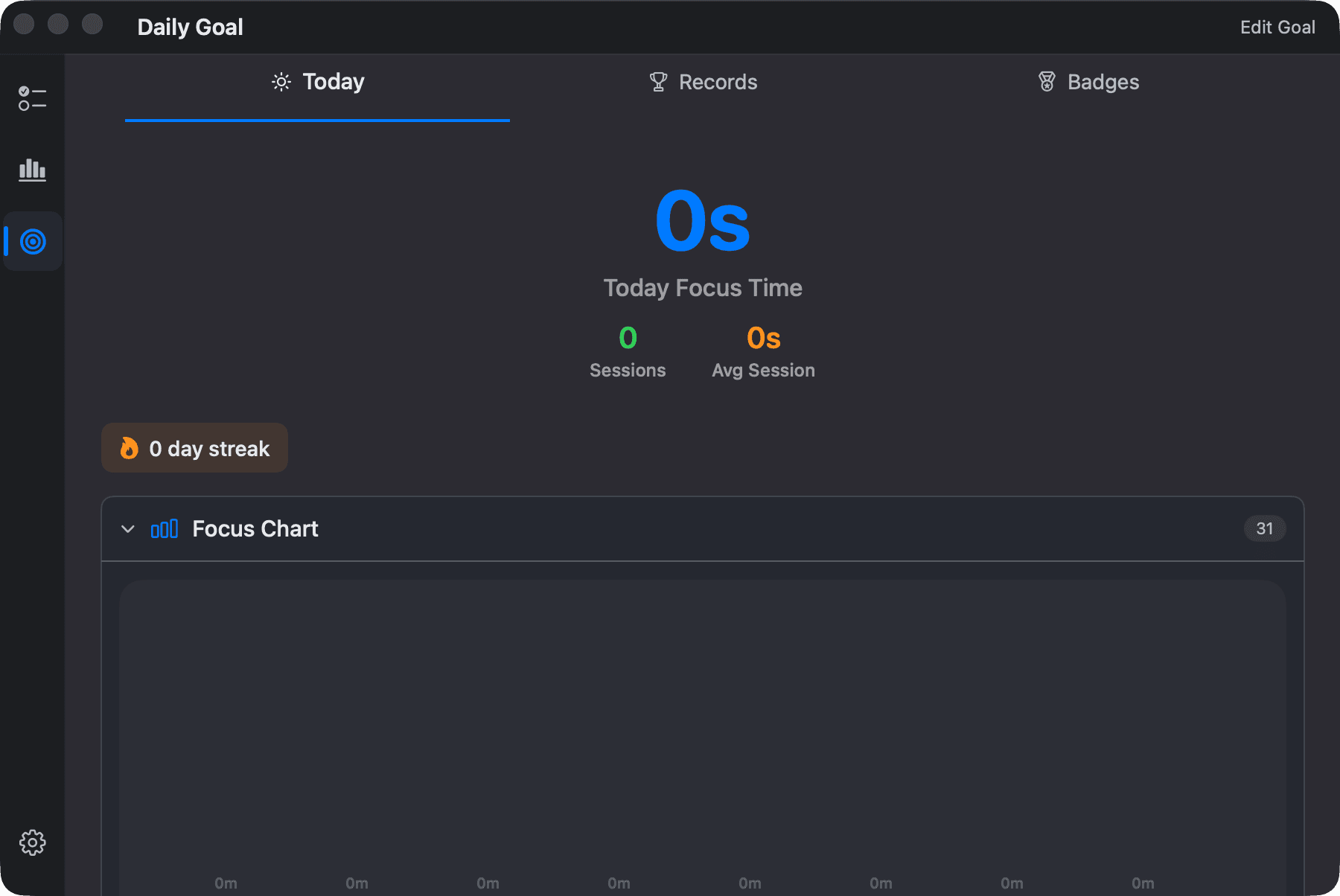
Streaks
Every day with a qualifying focus session extends your streak. It's shown in the summary at the top of Insights (⌘3).
Streak freezes
Life happens. Streak freezes are shields that protect your streak when you miss a day:
- You can hold up to 2 freezes at a time; new users start with some.
- Automatic protection — if yesterday had no session, Focusmo spends a freeze automatically on launch to keep the streak alive.
- Earning more — a freeze is granted automatically when your streak hits 7, 14, and 30 days (if you're under the cap).
Records and badges
Open the Records or Badges toggle in Insights to see your personal bests and badges. The old Daily Goal screen and its tabs are now part of Insights.
In Zen Mode all streak and goal UI is suppressed — progress still accrues silently and reappears when you switch back.