
Timer Modes
Timer, Stopwatch, and Pomodoro — plus what happens when a countdown hits zero.
Focusmo has one global Timer Mode that governs how all your tasks are timed. Change it with the mode chip on the Up next card (Focus screen), or in Settings → Timer → Timer Mode.
| Mode | Behavior |
|---|---|
| Timer (default) | Counts down from the task's set duration. |
| Stopwatch | Counts up with no target — just elapsed time, until you stop. |
| Pomodoro | Runs automatic work → break → work → long-break rounds. See Pomodoro. Free with the standard lengths; custom lengths are Pro. |
In Zen Mode only the plain Timer is available — the mode picker is hidden.
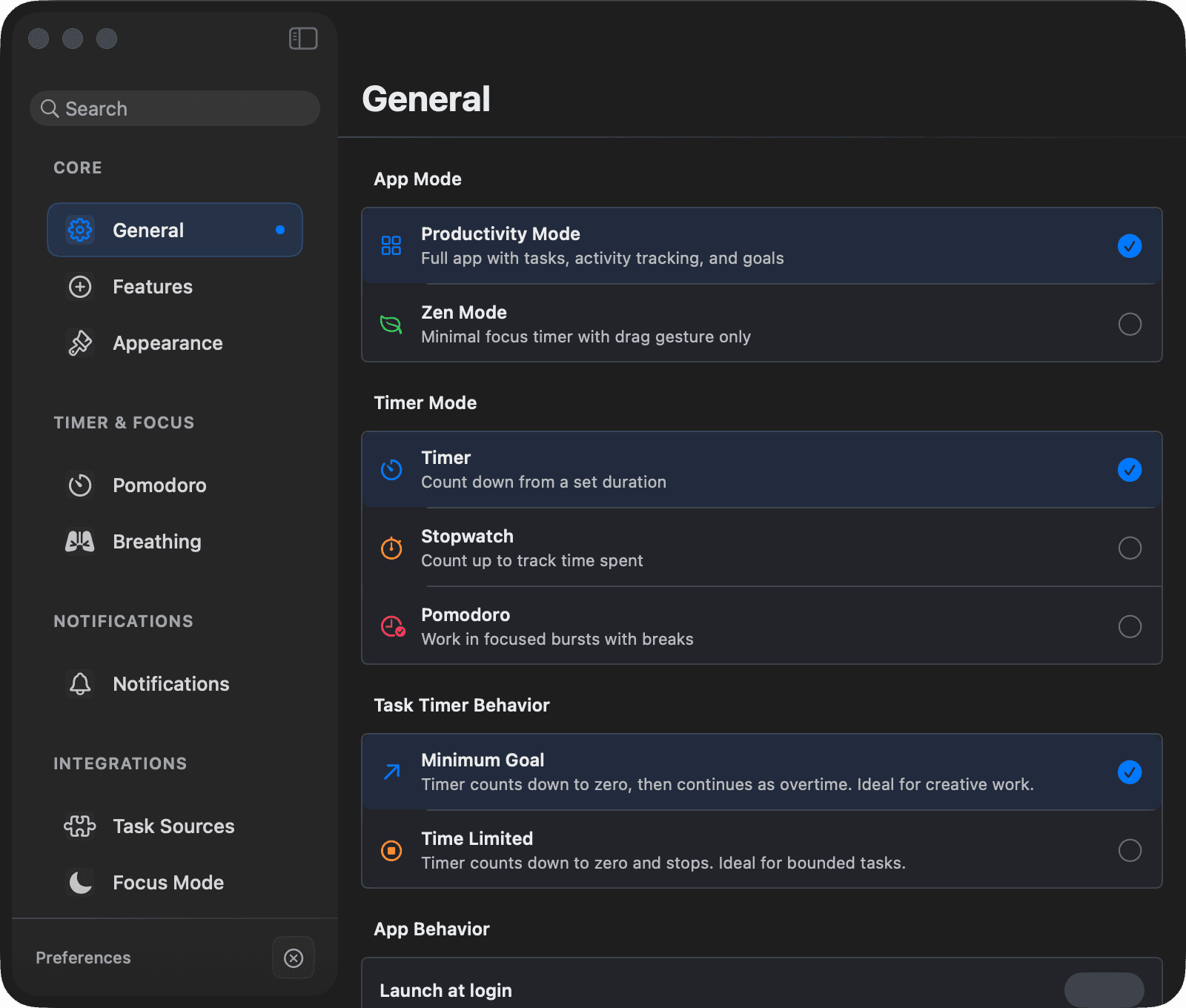
Task Timer Behavior (Timer mode)
When you use the countdown Timer, you can also choose what happens when it reaches zero — globally in Settings → Timer → Task Timer Behavior, or per task (in the task's edit sheet, right-click menu, or the command palette).
Time Limited (default)
The timer counts to zero and stops. Best for bounded work: meetings, timeboxed reviews, "just 30 minutes on email."
Minimum Goal
The timer counts to zero, plays a brief "Goal Reached!" celebration, and then keeps counting up as overtime (shown as +X:XX with a color shift). Best for creative work where you want to guarantee a minimum but ride the momentum if it's going well.
Pomodoro always behaves as Time Limited regardless of the per-task setting — time-boxing is the whole point of Pomodoro.